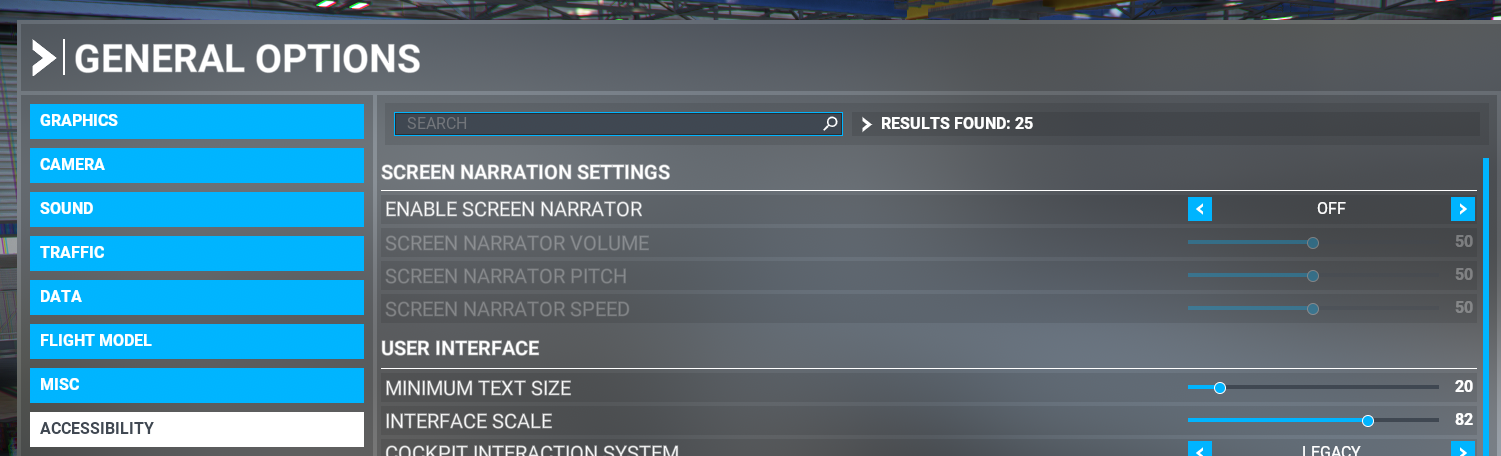
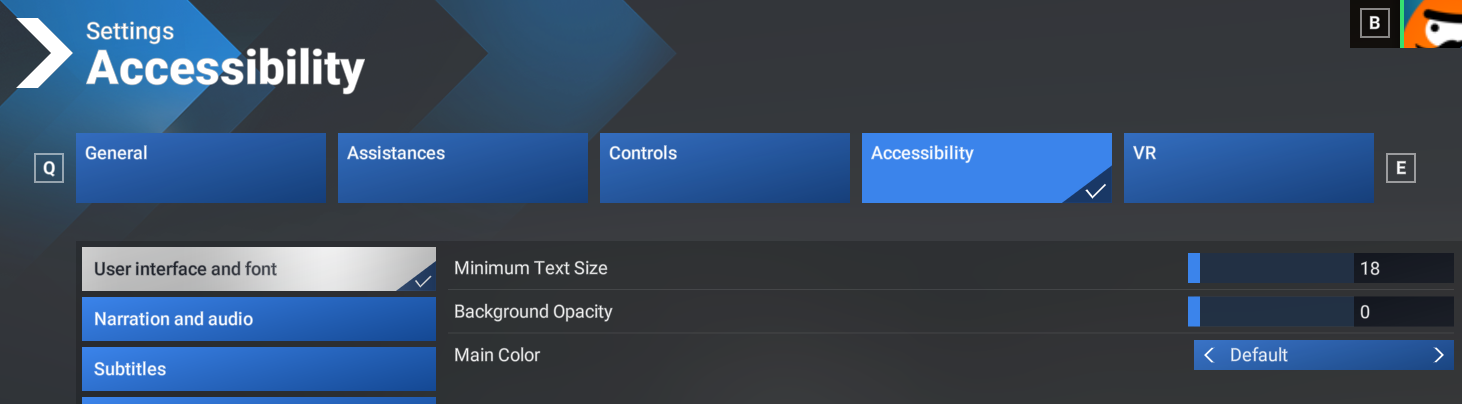
The font size in the EFB is controlled by the sim's accessibility setting for Minimum Text Size
For 2024
- Go to the simulator Settings menu.
- Navigate to Accessibility via the top-center menu navigation.
- Navigate to User interface and font via the left-hand menu navigation.
- Adjust the Minimum Text Size value to an appropriate number.
It is important to note that changing this number also changes all other displayed fonts via the Settings menu in the simulator.
For 2020
- Go to the simulator General Options menu.
- Navigate to Accessibility via the left-hand menu navigation.
- Under User Interface adjust the Minimum Text Size
- Adjust the Interface Scale value to an appropriate number if you significantly increase or decrease the minimum text size.
- Make sure to Apply and Save