What is WASM?
Short for WebAssembly, is a short-hand abbreviation for how add-ons and scripted based modules run within Microsoft Flight Simulator. It is, essentially, the behind the scenes work for what brings the aircraft to life and allows it to run a series of complex code in the simulator, the compiler.
What causes a WASM crash?
A fault or error in the underlying code (of the module) and how it interacts with the simulator's SDK (Software Development Kit). Our aircraft does not perform and interact with the simulator in an agreeable way and therefore a module will crash, causing the aircraft in the simulator to no longer respond.
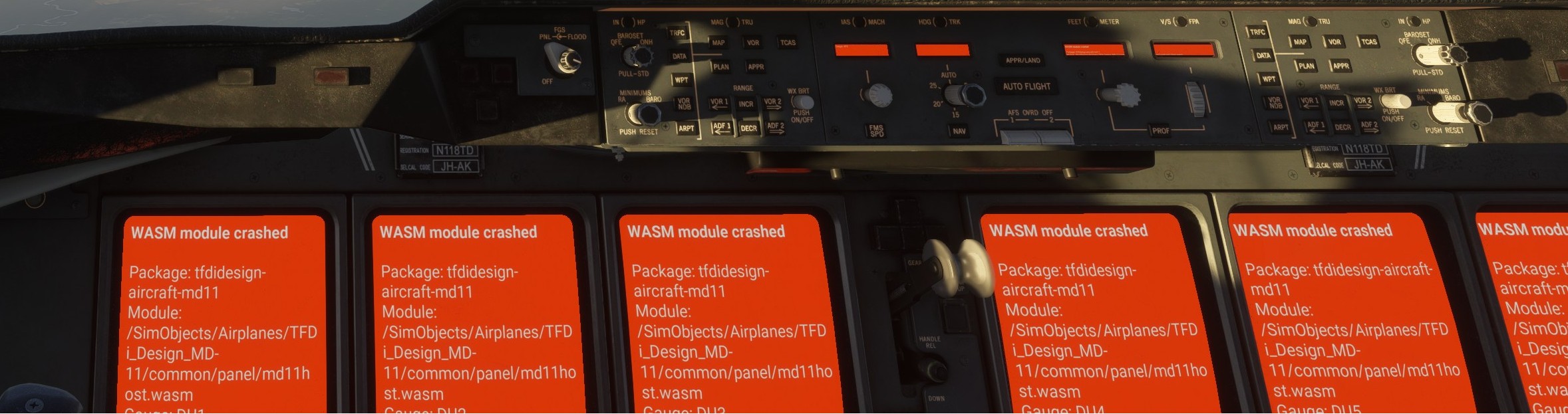
A WASM crash will not allows populate the orange screens on all the DUs with an error message.
What can I do when I encounter a WASM crash?
Unfortunately, nothing, for the purposes of salvaging the particular flight you're on. But what you can do to help us triage and troubleshoot our underlying code for us to continue to improve on the product and fix it to avoid future crashes for you or other customers there is information you can provide us:
- Simulator version & build
- Your flight plan routing and where in the routing the aircraft had the WASM crash.
- As specific as possible, please. Context such as altitude, distance from a waypoint, etc.
- What (if anything) were you doing in the cockpit. Were you interacting the the FCP or FMS, performing a Direct To, some other situation?
- What if any, 3rd party add-ons you're running with the simulator. An example (but not limited to) would be things like GSX, ChasePlane, FSRealistic, ActiveSky, BeyondATC, etc.
- What if any, 3rd party airports are within 50nm of where the WASM crash occurs. Please give the ICAO code and the developer of the airport.
- The LastState.tail#.json file from the /work folder
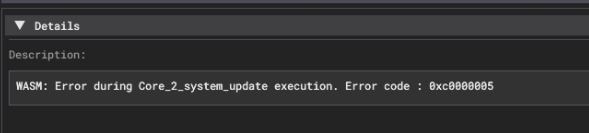
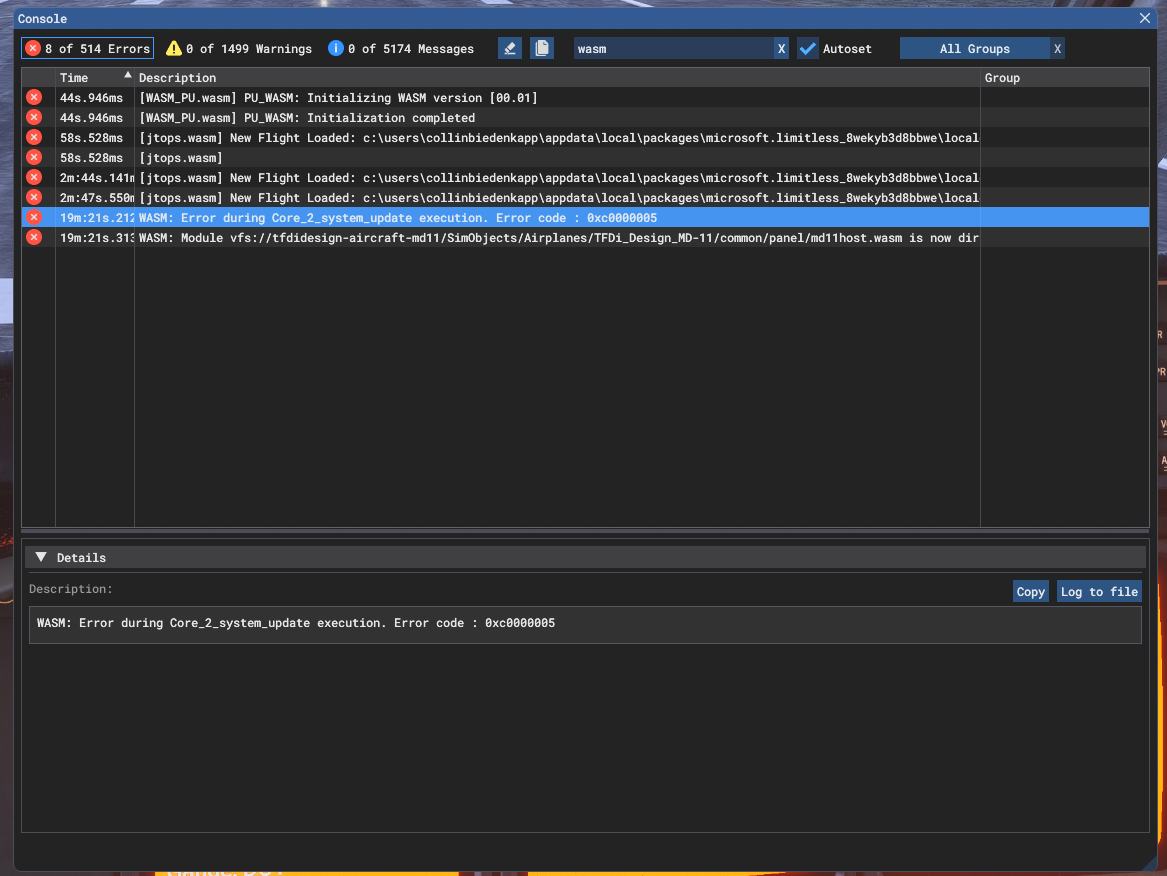
- A screenshot of the developer console log showing the WASM error with error code
The more details and specifics, the better. This allows us our internal development to try and recreate your simulator environment to reproduce it as best as possible when the crash occurred.
How do I located the LastState.tail# JSON file?
Navigate to the work folder based on the sim listed below
- Flight Simulator 2020 (Microsoft Store)
%localappdata%\Packages\Microsoft.FlightSimulator_8wekyb3d8bbwe\LocalState\packages\tfdidesign-aircraft-md11\work
- Flight Simulator 2020 (Steam)
%appdata%\Microsoft Flight Simulator\Packages\tfdidesign-aircraft-md11\work
- Flight Simulator 2024 (Microsoft Store)
%localappdata%\Packages\Microsoft.Limitless_8wekyb3d8bbwe\LocalState\WASM\MSFS2024\tfdidesign-aircraft-md11\work
- Flight Simulator 2024 (Steam)
%appdata%\Microsoft Flight Simulator 2024\WASM\MSFS2024\tfdidesign-aircraft-md11\work
Inside the work folder you'll see something like the screenshot below, in this case my tail # is N316SB.

You may have multiple files here, we're looking for the latest one as it pertains to the WASM crash. Please attach that to your ticket.
How do I find the Developer Console log?
Enable Developer Mode in the sim by navigating to Settings -> General Options -> Advanced
From there you can toggle developer mode to on.
You'll want to toggle the Console to display Errors and then find the WASM error portion.
The details portion is important to provide with your ticket submission.